
Marketing Tools & Resources
Promote Your Unit & Share Your Scouting StorySubscribe &
Get the Latest News!





NEW from the CPC!
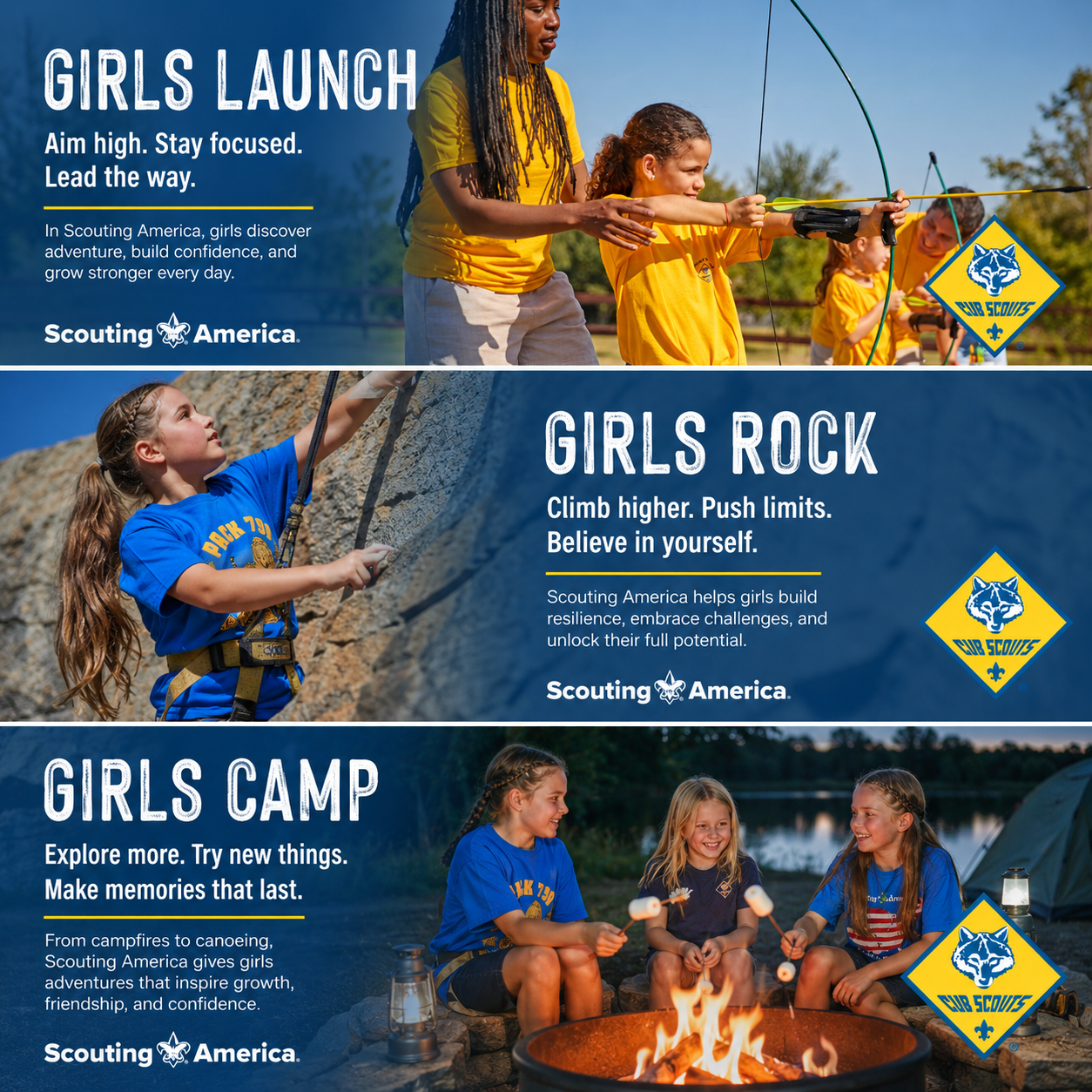
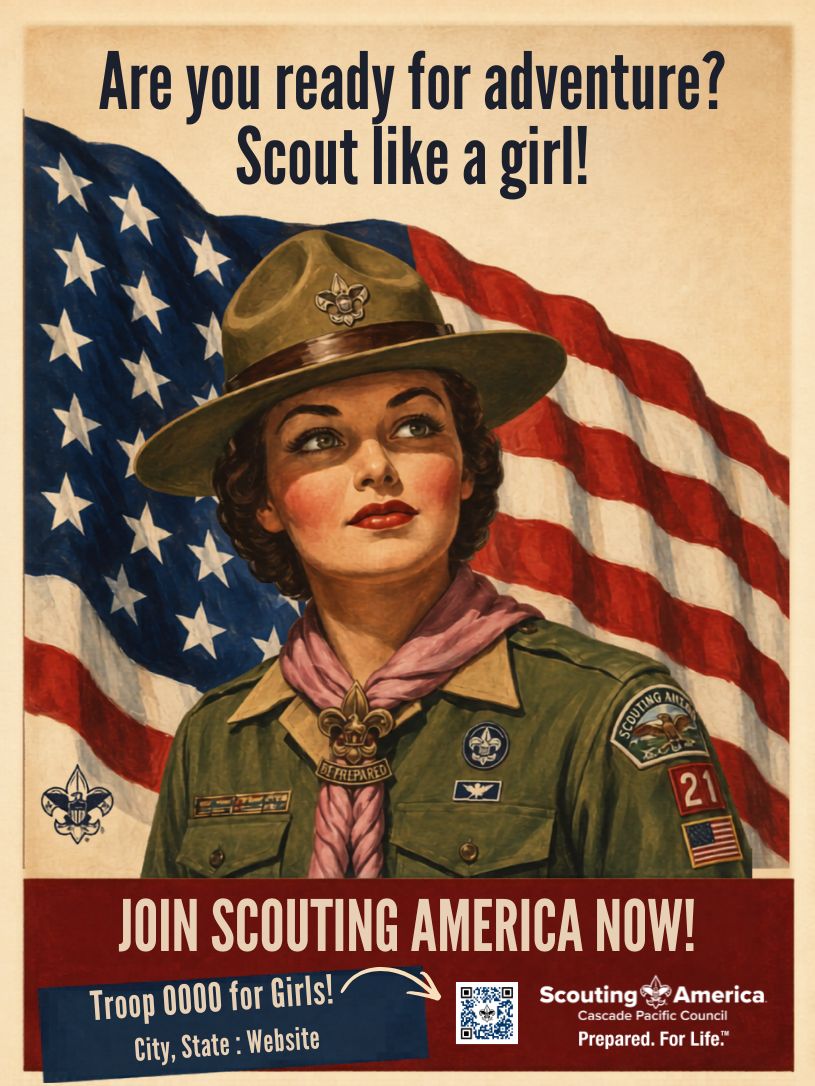
Invite Girls to Join Cub Scouts with “Girls ____” Posts
Use these social media graphics to invite girls to join your Cub Scout Pack! Special thanks to Gladstone Pack 510 for these graphics! Get examples of text for your posts here.
























New! Social Media Videos to Promote Your Scout Unit
Download the videos below and share on your personal or unit social media feeds!
Where to find downloads on your phone: Use the Files or My Files app on Android and the Files app on iPhone. Look for the Downloads folder.
Example post you can copy/paste: Adventure! Grit! Growth! This is why we Scout! Join us for fun, friends and adventure at (BeAScoutPin) or DM us!
Female Voice Over
Click buttons to go to videos on your PC or phone. Click the “download” icon under the video to save to your phone or PC, then post on your socials!
Click below to go to videos. Click the “download” icon under the video to save to your phone or PC, then post on your socials!
Short Version
Long Version
Male Voice Over
Click buttons to go to videos on your PC or phone. Click the “download” icon under the video to save to your phone or PC, then post on your socials!
Short Version
Long Version
Themed “Invite-a-Friend” Open House Tools
Get the social posts, flyers and gear you need to invite new friends into Scouting any time of the year!



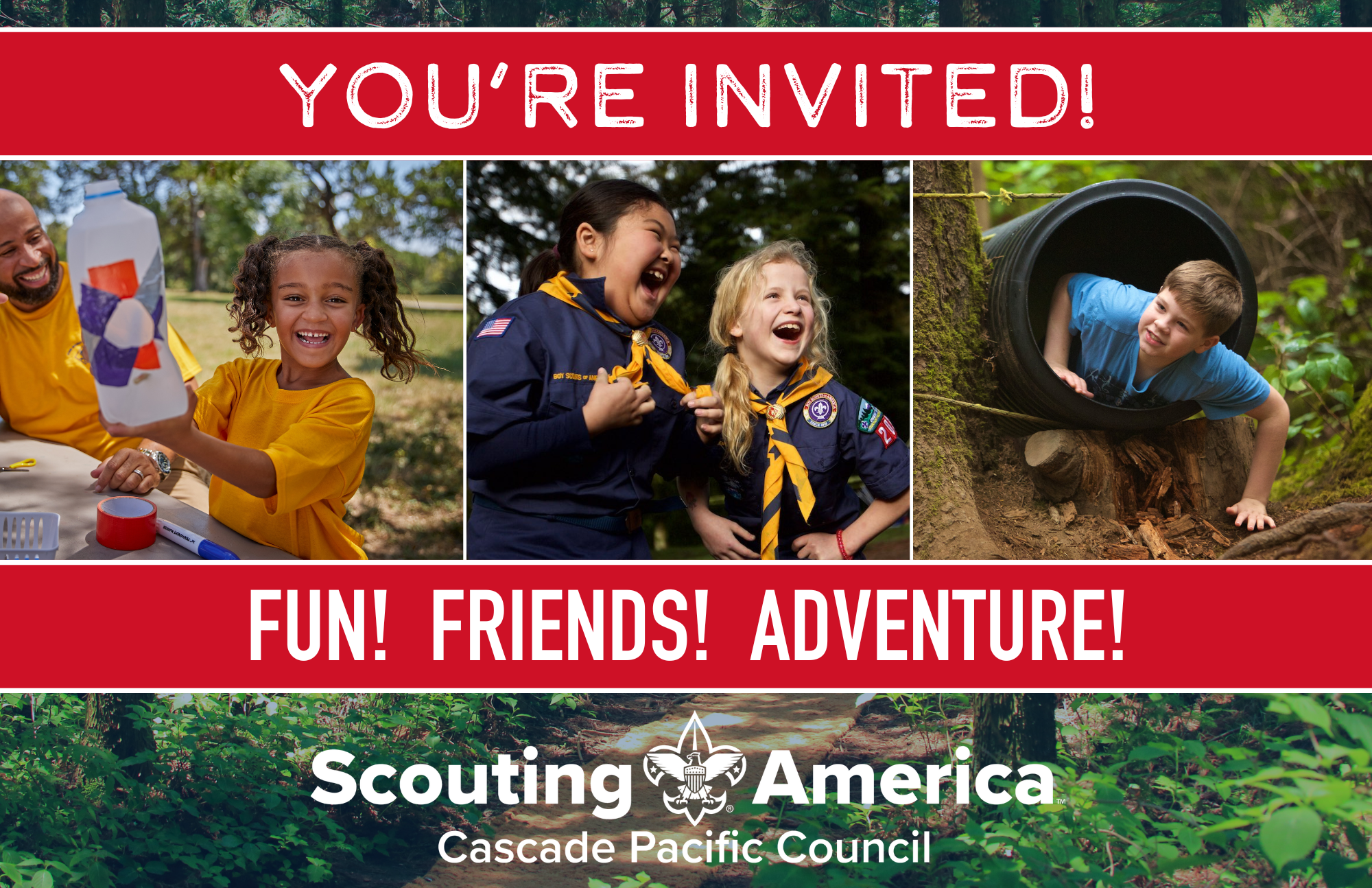
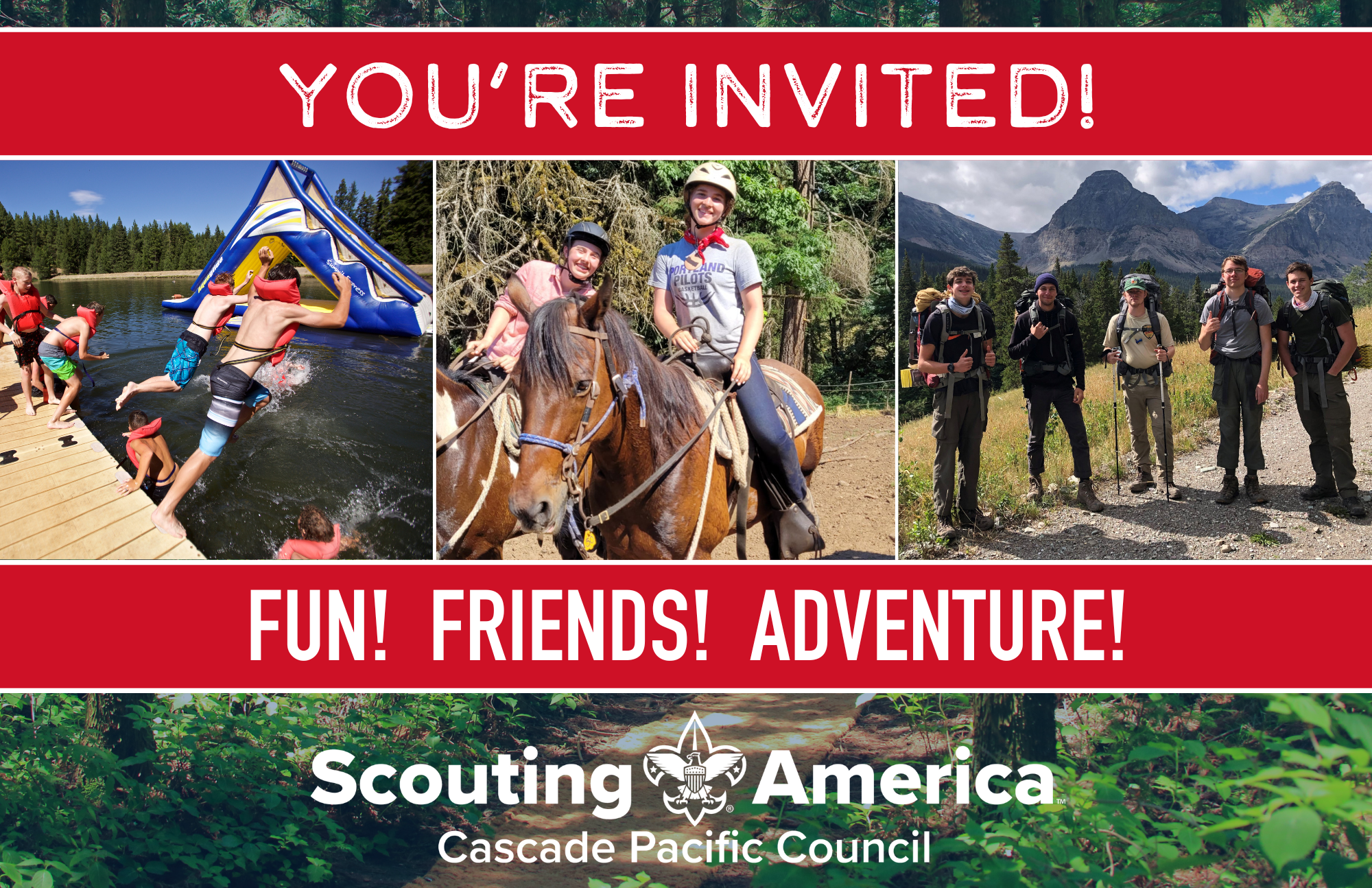
Promote Your Next Unit Event or Annual Calendar with these Customizable Postcards!
Use these postcards to as person-to-person invitations to your next “invite-a-friend” event! You can customize them yourself using this Word template and printed on these name badge stickers, or click the ORDER FORM buttons to have us customize them for you!
2-STEP PRO MARKETING TIP: Nurturing Strategy vs. Join Now
Prospective families may not have any Scouting experience. So, instead of sending them directly to your “Be A Scout” link, use a “nurturing” strategy that will entice and excite families to join your Scout unit by directing them to your social media accounts or website. Here’s how it works:
Step 1: Create a Link Tree: If you have a website or public Facebook or Instagram feed, create a FREE Link Tree page that gives folks a multitude of ways to see your scouts in action and connect. Here’s one example: https://linktr.ee/t107pdx Create your FREE Link Tree here.
Don’t have a public social media account? Here are some tips from the “Simple Social Media” webinar.
Step 2: Use your Link Tree in a QR Code: Next, use this FREE QR code generator that also tracks the number of scans to create a code with your Link Tree.


Use this simple elevator pitch when talking to new parents:
“Using the great outdoors as our classroom, we help get your kids prepared for career and life.”
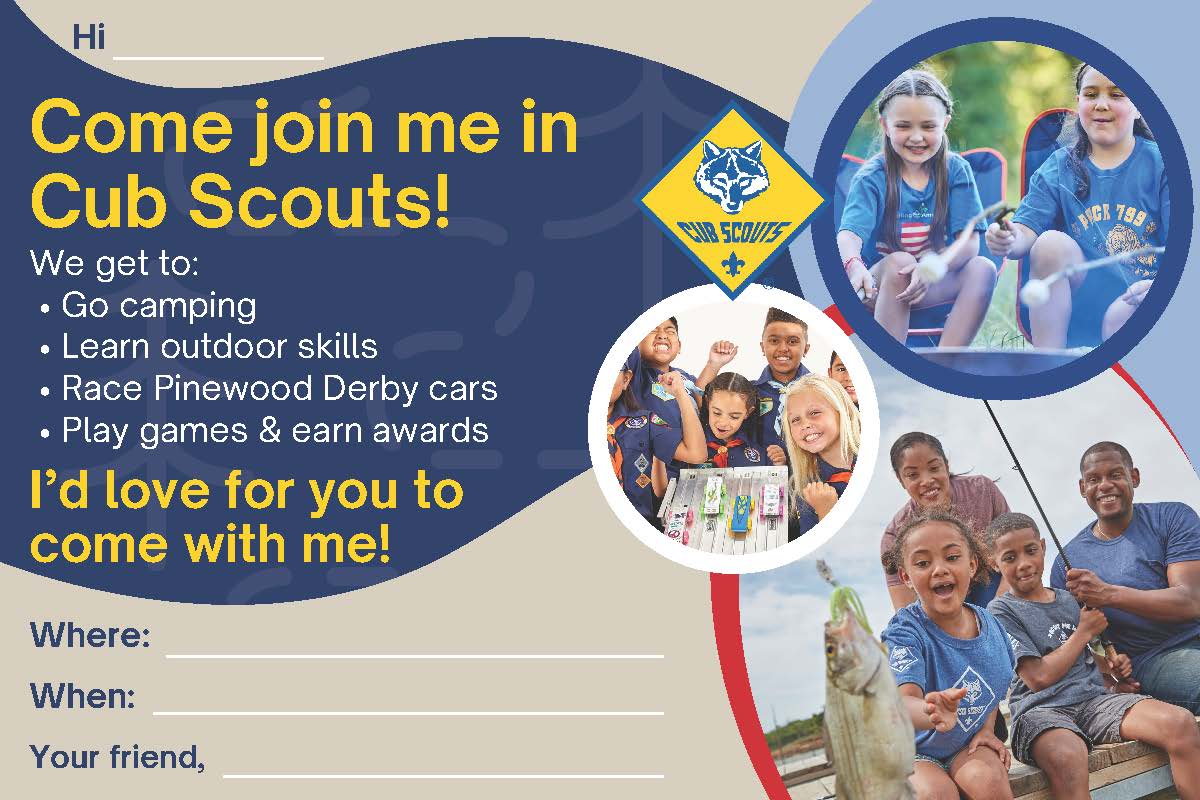
NEW! Family-to-Family Postcards!
Connect with kids and their paretns. How? Simply put your child’s friend’s name and your child’s name on the front and parent info on the back.
How to Build a Free Unit Website
Here are the quick and easy steps to build a unit website with Google Sites:

Marketing Downloadables
Need Help? Have a Story to Share? Contact Us!
Contact the CPC’s Director of Marketing & Innovation, Chris Bartell, with your specific needs at chris.bartell@scouting.org If you have a story to share, use these Media Alert & Press Release templates to share your story with local media or send your story to Chris. Photos or video to share? Please text them to Chris at (971)337-5922 with your unit and event info!